Warning: realpath(): open_basedir restriction in effect. File(/www/wwwroot) is not within the allowed path(s): (/www/wwwroot/jdzhao.com/:/tmp/) in /www/wwwroot/jdzhao.com/wp-content/plugins/wp-file-manager/classes/backup-storage.php on line 119

Warning: realpath(): open_basedir restriction in effect. File(/www) is not within the allowed path(s): (/www/wwwroot/jdzhao.com/:/tmp/) in /www/wwwroot/jdzhao.com/wp-content/plugins/wp-file-manager/classes/backup-storage.php on line 119

Warning: realpath(): open_basedir restriction in effect. File(/) is not within the allowed path(s): (/www/wwwroot/jdzhao.com/:/tmp/) in /www/wwwroot/jdzhao.com/wp-content/plugins/wp-file-manager/classes/backup-storage.php on line 119
搭建基于UptimeKuma的站群监控系统 - 重光阁-Jundong's Blog

AI (1) mastodon (2) matrix (1) 加密 (3) 境内卡 (1) 境内游 (13) 境外卡 (14) 境外游 (6) 工作 (3) 工作小结 (2) 旅行 (21) 无人机 (1) 服务器 (9) 生活 (10) 美股 (1)

搭建基于UptimeKuma的站群监控系统

由于自己手里管理的网站和服务越来越多,之前常用的海外免费的监控服务显得不那么足够使用,推送的方式也是邮件或者telegram,免费额度也是一砍又砍,但我实在不愿意为了这一点功能付费,所有,就又救助到了开源社区。

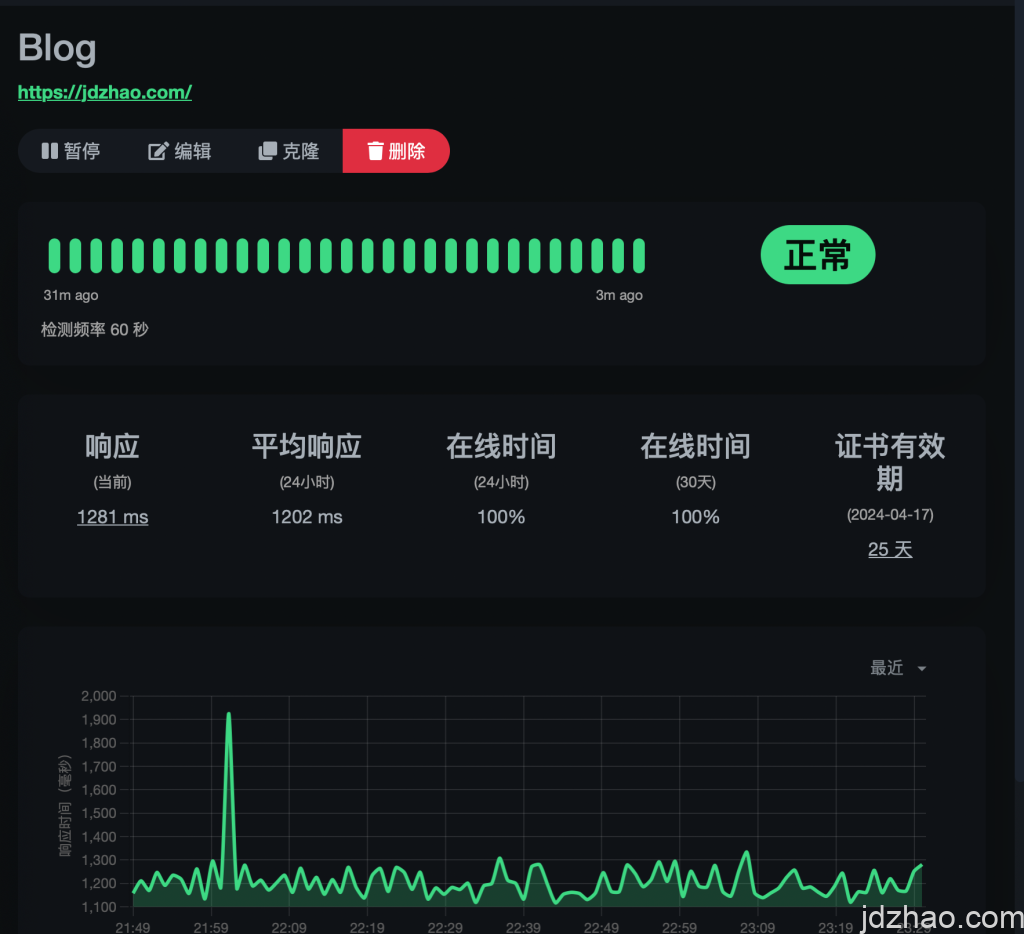
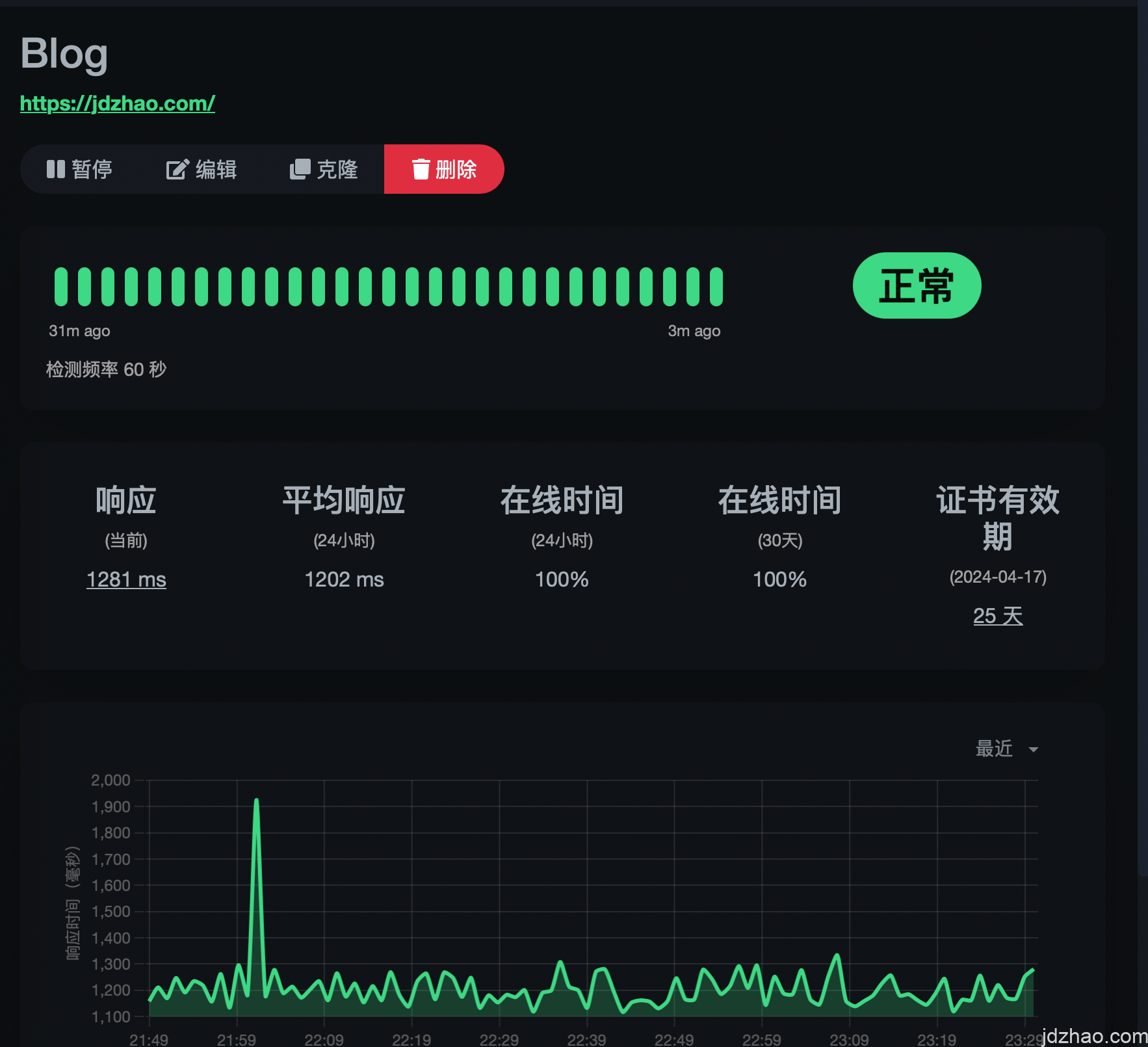
在某论坛发现了Uptime Kuma这个开源程序,测试了下,感觉很方便,它可以通过get、ping等方式进行监控,意味着我不用每一个服务器都去安装客户端。通知方式也非常多样,包括钉钉机器人、微信机器人等~非常友好。

更重要的是,docker一键安装,非常简单,无脑粘贴即可。

docker run -d –restart=always -p 3001:3001 -v uptime-kuma:/app/data –name uptime-kuma louislam/uptime-kuma:1

运行后,去做一个nginx反代3001端口即可。

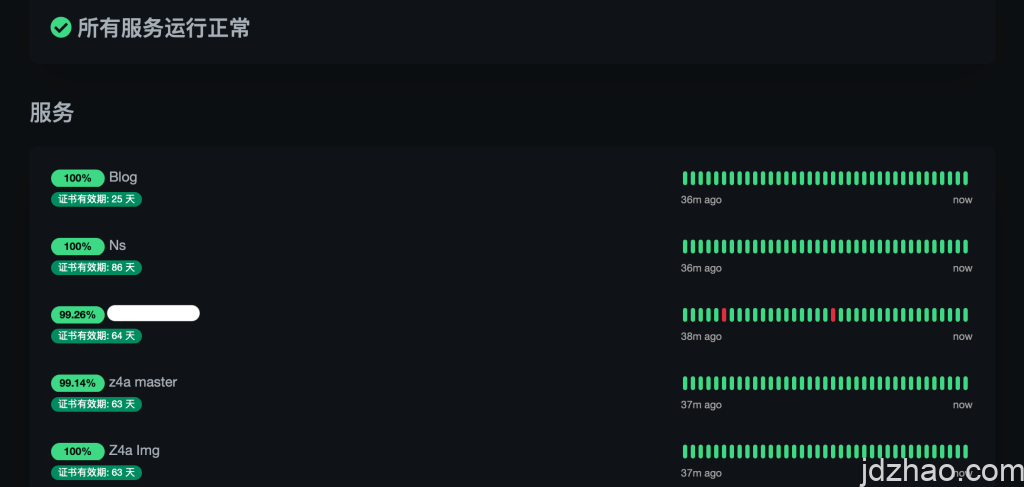
给大家演示下状态页面
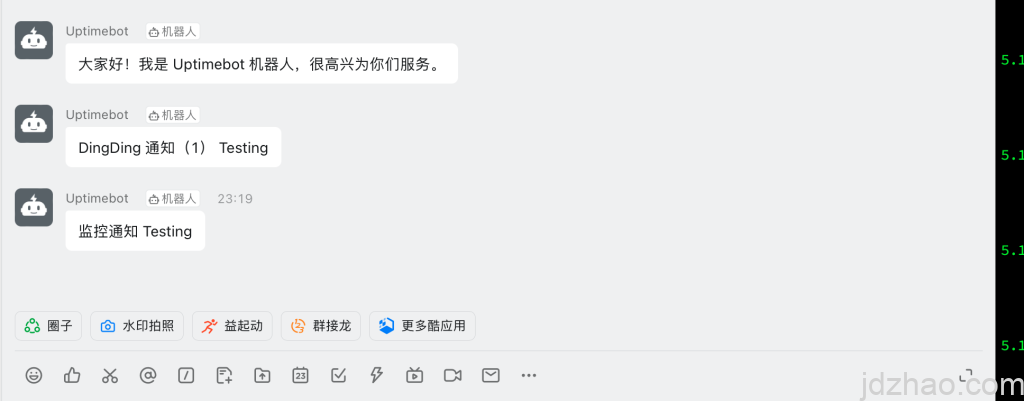
在钉钉新建了一个群组,然后添加一个机器人后演示如图
功能完成度非常高,可以任意挂在一台VPS上面,然后对自己的各种站点和服务器进行监控,异常也能及时通知,推荐使用。

发表回复

您的邮箱地址不会被公开。 必填项已用 * 标注

zh_CNZH_CN